flowchart LR
    START(["START"]) --> agent("agent") --> search_docs("search_docs") --> generate("generate") --> END(["END"])
4 A Line of Nodes
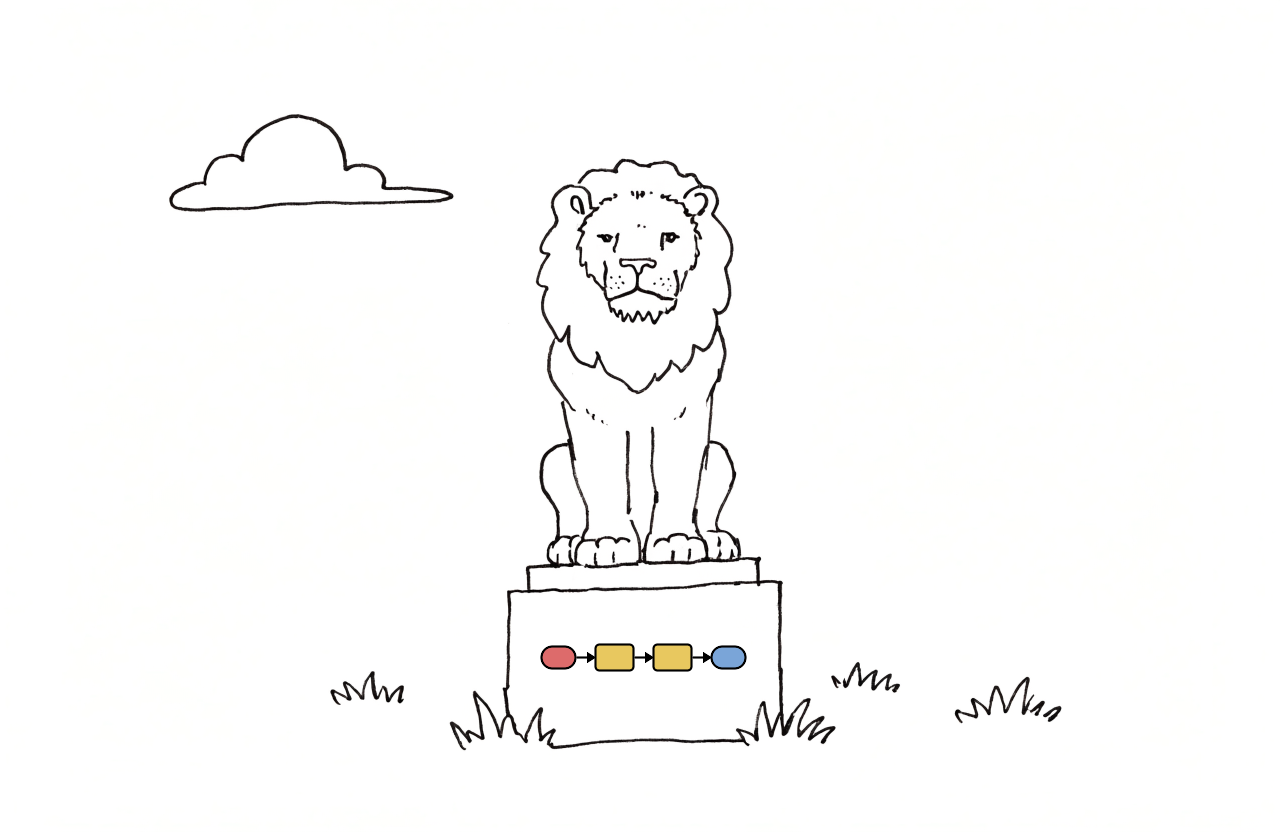
In Chapter 3 one node did everything. Real graphs split work across many nodes. So how does one node hand off to the next?
The hand-off is not the call you would write in plain Python. It is the second idea this book is built on:
Nodes never call each other to run the next step. They only read state and write updates; the edges decide who runs next.
There is no generate(...) call inside the retrieval node. Each node is an island: it takes the state, does its job, returns its update, and stops. The edges settle what happens next. This chapter stretches Chapter 3’s one node into a three-node line.
4.1 What we’re building
The same document-answering bot, now split into three steps: an agent node that will eventually make decisions (for now it just passes through), a search_docs node that retrieves documents, and a generate node that writes the answer from them.
A straight line: START → agent → search_docs → generate → END. The runtime walks it one superstep at a time: run whatever node is due, merge its update into the state, repeat. Think of a round in a turn-based game — every piece that is ready moves in the same round, nothing is settled until the round ends, and the board you see at the end is the one the next round starts from. In a straight line only one node is ever due, so a round is one node; the word earns its keep in Chapter 10, where several are. Watch the state fill up as it goes.
4.2 The state grows
Chapter 3’s state held question and answer. We add one field, docs, for the retrieved documents to live in between retrieval and generation.
from typing import NotRequired, TypedDict


class State(TypedDict):
    question: str                 # input, set by the caller
    docs: NotRequired[list[str]]  # written by search_docs
    answer: NotRequired[str]      # written by generate
The state is a shared workbench: search_docs leaves docs on it and generate picks them up. The comments name which node writes which field, and each field is a hand-off point — search_docs produces docs; generate consumes docs and produces answer.
4.3 Three nodes, three jobs
The first node returns an empty update. It holds the place of a decision we haven’t written yet.
def agent_node(state: State) -> dict:
    print("[agent] got the question; passing it on")
1 return {} # an empty update: changes nothing- 1
-
The empty update from Chapter 3’s Deep Dive.
agentis a pass-through for now; routing logic takes its spot in the next chapter.
The name is a label: nothing about this node is “agentic” yet. It has no model and makes no decision.
The second node reads question and writes docs. The retrieval is faked (a real vector search arrives with the RAG chapters in Part III), but the contract is the one it will keep: question in, documents out.
def search_docs_node(state: State) -> dict:
    question = state["question"]
    print("[search_docs] searching for:", question)

    fake_docs = [
        f"Config Manual, ch.3: recommended setup for “{question}”",
        f"FAQ: common pitfalls and fixes for “{question}”",
    ]
    return {"docs": fake_docs}   # write docs; say nothing about what's next
The third node reads docs and writes answer. It never asks where the docs came from; it finds them in the state.
def generate_node(state: State) -> dict:
    docs = state["docs"]
    print("[generate] writing an answer from", len(docs), "documents")

    body = "\n".join(f"  - {d}" for d in docs)
    answer = f"Based on the retrieved material:\n{body}"
    return {"answer": answer}
Three functions, and not one of them mentions another.
NoteDeep Dive: why decoupling matters
It would be simpler, at first glance, to have search_docs call generate itself. But the moment nodes call each other, control flow scatters across function bodies. Changing the order then means editing several places and hoping you found them all. Worse, a call hidden inside a node is a step the runtime never sees, so when you add retries or checkpointing later, neither can see it either.
With decoupled nodes the flow is data you edit in one place, the edges. A re-ranking step between retrieval and generation is a new node and two rewired edges. Skipping retrieval sometimes is a conditional edge (the next chapter). Fetching docs from three retrievers at once is a fan-out, later in the book. None of them touches the existing node functions.
Decoupling is also what lets the runtime, not your code, decide when each node runs: a superstep runs every node that is due and merges their updates before the next begins. Here only one node is ever due, so agent, search_docs, and generate run in supersteps 1, 2, 3. That is why the output arrives in that order.
4.4 Wiring the line
We register all three nodes, then lay down the edges that put them in order.
from langgraph.graph import StateGraph, START, END

builder = StateGraph(State)

builder.add_node("agent", agent_node)
builder.add_node("search_docs", search_docs_node)
builder.add_node("generate", generate_node)

builder.add_edge(START, "agent")
builder.add_edge("agent", "search_docs")
builder.add_edge("search_docs", "generate")
builder.add_edge("generate", END)

graph = builder.compile()
flowchart TD
START(["START"]) --> agent("agent") --> search_docs("search_docs") --> generate("generate") --> END(["END"])
The four edges, read top to bottom, are the pipeline: START → agent → search_docs → generate → END. The order lives here and nowhere else.
WarningGotcha: edges encode real data dependencies
generate does state["docs"], which only exists because search_docs ran first. Wire generate before search_docs and you get KeyError: 'docs'.
TypedDict does no runtime checking, so a bad ordering fails only when the missing read executes. A static type checker may warn that docs is optional (it’s NotRequired), but it can’t prove your edges put search_docs first. Only running the graph does. The graph runs nodes in the order the edges allow; it does not work out dependencies for you.
4.5 Running it
if __name__ == "__main__":
    result = graph.invoke({"question": "How do I configure Kafka in Spring Boot?"})
    print("\n=== final answer ===")
    print(result["answer"])
The print calls let you watch the state move down the line:
[agent] got the question; passing it on
[search_docs] searching for: How do I configure Kafka in Spring Boot?
[generate] writing an answer from 2 documents

=== final answer ===
Based on the retrieved material:
  - Config Manual, ch.3: recommended setup for “How do I configure Kafka in Spring Boot?”
  - FAQ: common pitfalls and fixes for “How do I configure Kafka in Spring Boot?”
Each node saw everything written before it. search_docs read the question the caller supplied; generate read the docs that search_docs left behind. The state accumulates as it flows, and nobody passed anything by hand.
TipTry it: insert a rerank node by rewiring
Add a rerank node between search_docs and generate that trims docs to the first item and prints what it dropped. Adding the node is not enough. Replace the existing edge
builder.add_edge("search_docs", "generate")with your new node registered and two edges routed through it:
builder.add_node("rerank", rerank_node)   # register the node you wrote
builder.add_edge("search_docs", "rerank")
builder.add_edge("rerank", "generate")
One node added, two edges changed, and search_docs and generate are untouched.
4.6 What we learned
- Nodes don’t call each other to hand off. Each reads state and returns an update; the edges determine order.
- State accumulates down the line. Every node sees all fields written before it.
- Edges encode data dependencies. A node that reads a field must run after the node that writes it, and
TypedDictwon’t catch a bad order for you. - Decoupling keeps the graph malleable. Adding, removing, or reordering steps changes the wiring (and sometimes adds a node) but leaves the existing node functions alone. The rest of the book grows the same bot that way.
Our agent node still does nothing but pass through. In the next chapter we give it a job: it looks at the question and chooses what happens next. That is the first time the flow branches.
New pieces in this chapter
| Piece | Usage |
|---|---|
| API | |
graph.get_graph() |
Return the runtime’s own picture of your wiring. graph.get_graph() (from the Challenge); your best friend when a graph misbehaves |
draw_mermaid() |
Emit that wiring as Mermaid source text. graph.get_graph().draw_mermaid() (from the Challenge); emits text, not a picture — terminals spell __start__/__end__ |
Code in this chapter
| File | What it runs |
|---|---|
code/ch02_linear_pipeline.py |
The same node stretched into a line of three, so the edges decide the order and the state accumulates down it. |
Challenge
Two challenges. Bronze prints the graph the runtime built from your edges, so you can check it against the one drawn by hand. Silver wires the edges in the wrong order and shows when the failure lands.
🥉 Bronze — see the graph the runtime sees
After compile(), print graph.get_graph().draw_mermaid(). It prints Mermaid source text, not a picture. Paste it into any Mermaid renderer to see the diagram. Read it against the chapter’s opening diagram: the edges match, agent → search_docs → generate, in that order. Two things look different, and both are harmless. The runtime spells the terminals __start__ and __end__ (not START/END), and it lays the graph out top-down (graph TD) rather than left-to-right.
When a graph doesn’t do what you expect, this is the first thing to print: the wiring the runtime sees is right there in the text. (No answer file; it’s a one-liner.)
Here is what that line prints for this chapter’s graph, and the picture that source renders to:
---
config:
  flowchart:
    curve: linear
---
graph TD;
    __start__([<p>__start__</p>]):::first
    agent(agent)
    search_docs(search_docs)
    generate(generate)
    __end__([<p>__end__</p>]):::last
    __start__ --> agent;
    agent --> search_docs;
    search_docs --> generate;
    generate --> __end__;
    classDef default fill:#f2f0ff,line-height:1.2
    classDef first fill-opacity:0
    classDef last fill:#bfb6fc
flowchart TD
start_(["\_\_start\_\_"]) --> agent("agent") --> search_docs("search_docs") --> generate("generate") --> end_(["\_\_end\_\_"])
🥈 Silver — break the order on purpose
Rewire the pipeline so generate runs before search_docs, and run it. You get KeyError: 'docs'. Note when it lands: not at compile(), not when invoke() starts, but the instant generate reads a field nobody has written yet. Then put the edges back.
compile() does check your wiring. An edge to a node you never declared (say generat, a typo for generate) raises ValueError: Found edge ending at unknown node `generat` on the spot, while an orphan node that nothing points at compiles fine. What it cannot check is the data dependency between nodes. Compile checks names, not dependencies.
 Worked solution with tests:
code/answers/ch02_break_the_order.py.